Block distractions or allow only your tools
Block social and video apps, or allow only the tools you need for the task ahead. Selected app lists and Screen Time usage reports are not uploaded to a server.
 Stelo
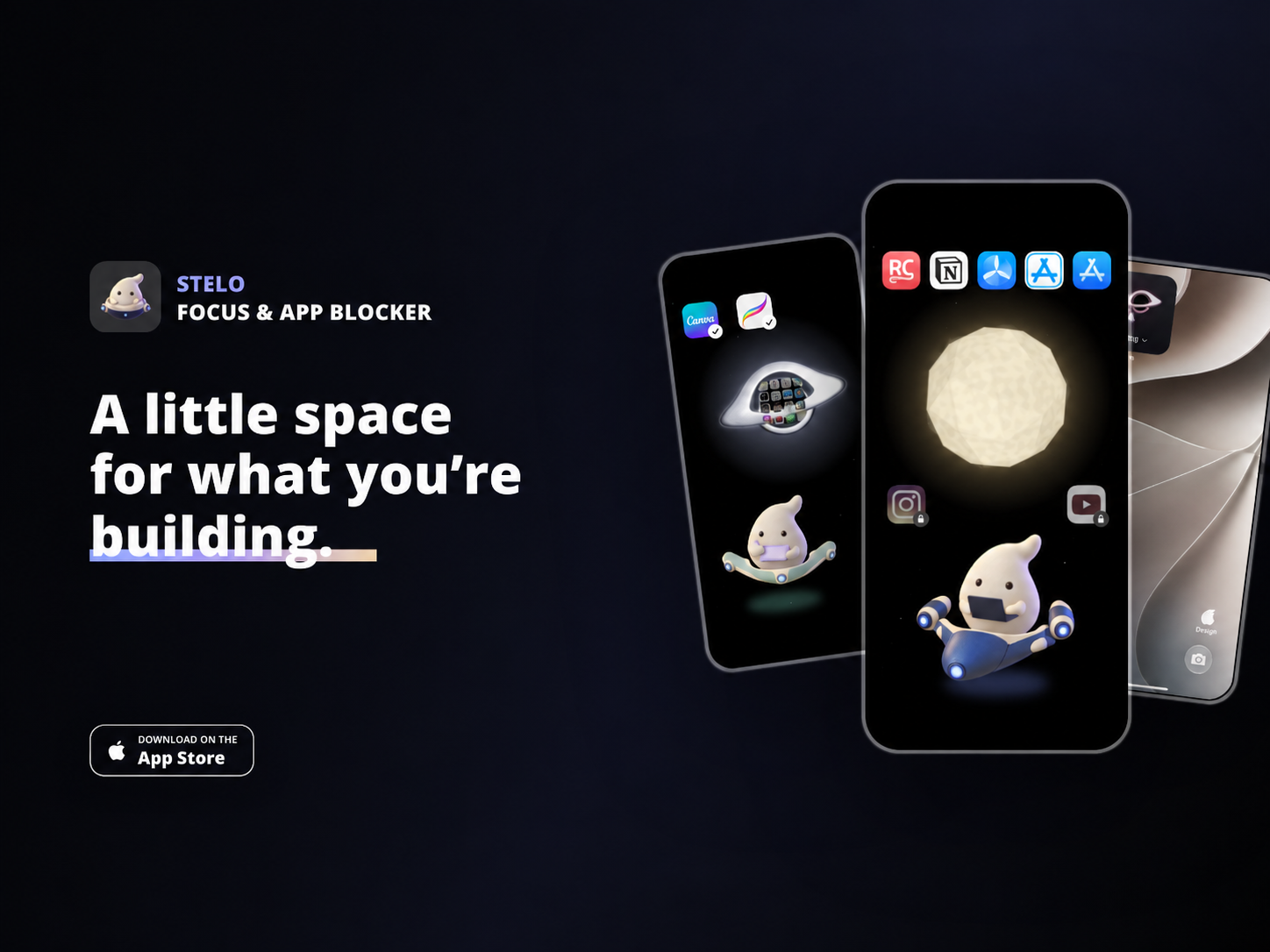
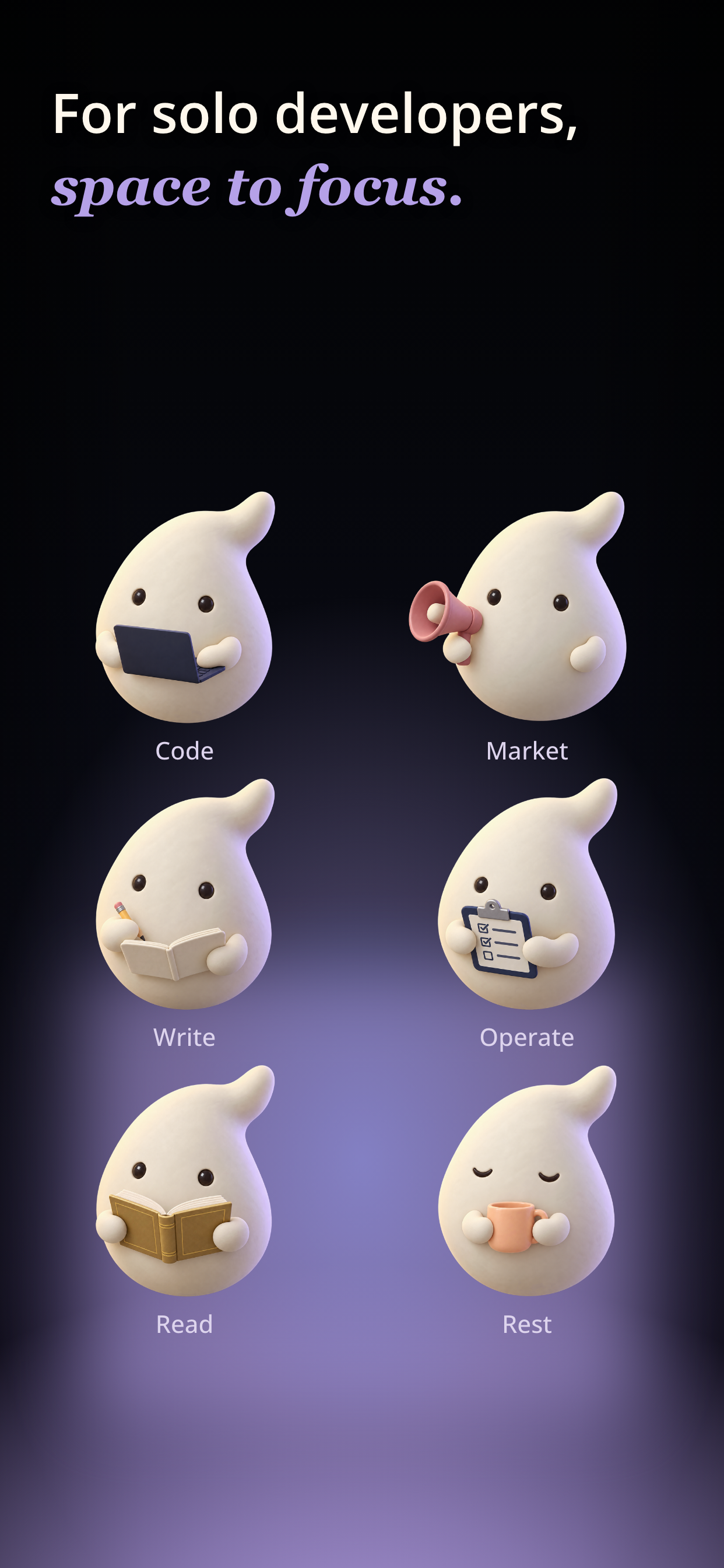
SteloBlock distracting apps. Make room for the task in front of you. STELO is an iPhone app blocker with saved setups for each activity. Block social apps while coding, then allow them when it is time to market your work. Keep useful tools available with a focus mode for each activity. Switch between saved app setups for coding, writing, and marketing, with a small space companion along for the day.
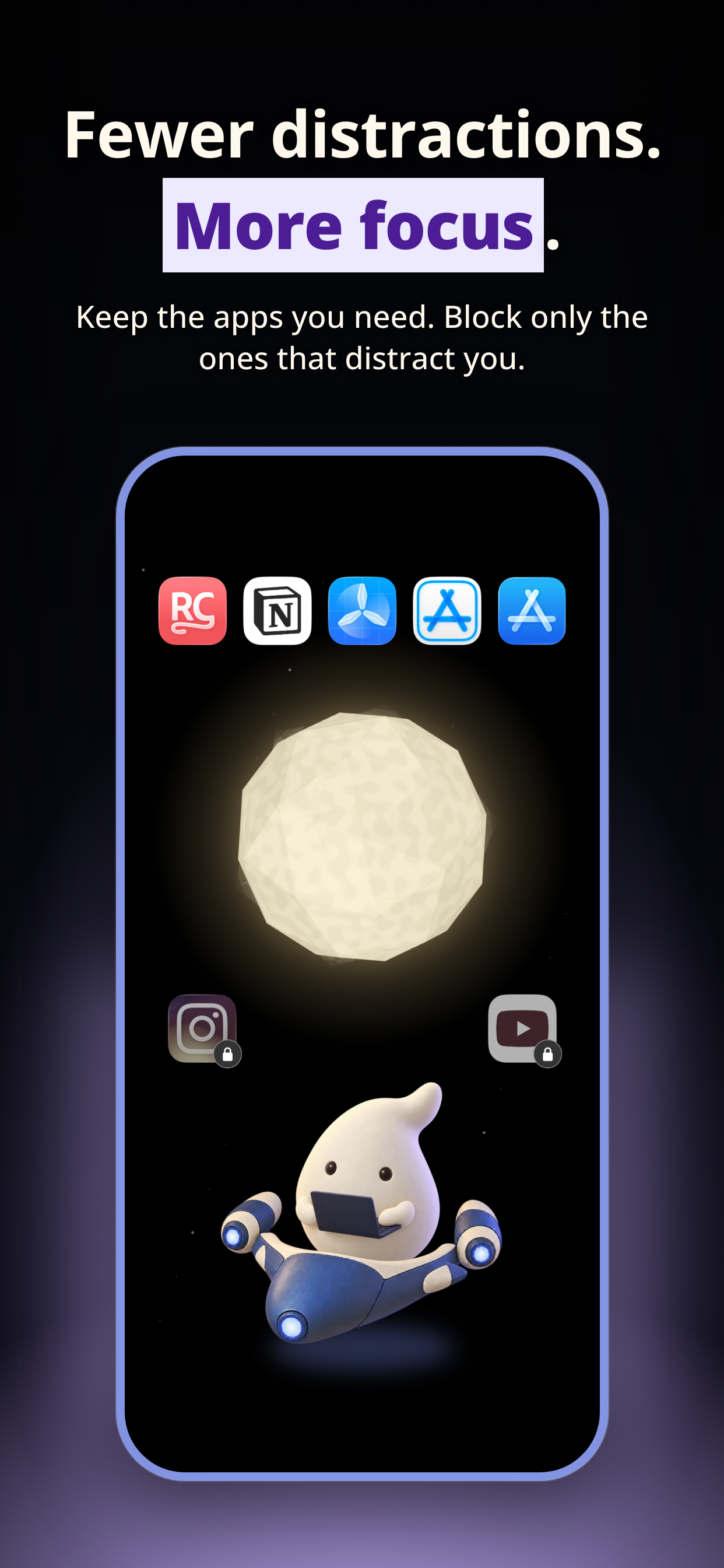
Block social and video apps, or allow only the tools you need for the task ahead. Selected app lists and Screen Time usage reports are not uploaded to a server.
The social app you block while coding can become a marketing tool later. Save app setups for each activity, then customize mode names and their order to fit your day.
Start a mode when you are ready and switch when your task changes. Return to Default to remove STELO’s restrictions.
Review daily and weekly mode history and reflect on completed activities. See how you divided your time between coding, marketing, and operations to adjust the week ahead.
Check your current mode on Home Screen and Lock Screen widgets. Open STELO from Control Center, and check or choose a mode on Apple Watch.
Start with the included capsule. Pro adds five spaceships and block-screen styles. Your chosen ship appears on Home, widgets, and an alternate app icon.
Latest posts from Stelo